2 Player
5 games
Play with a friend on the same device. The best local two player games.

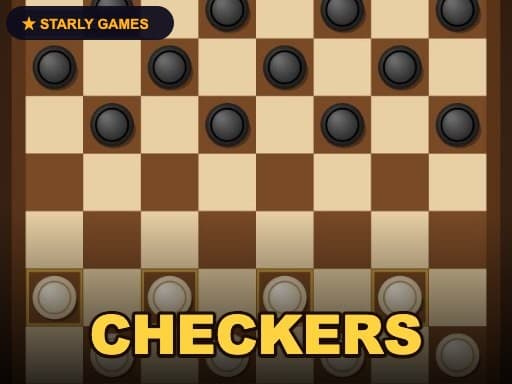
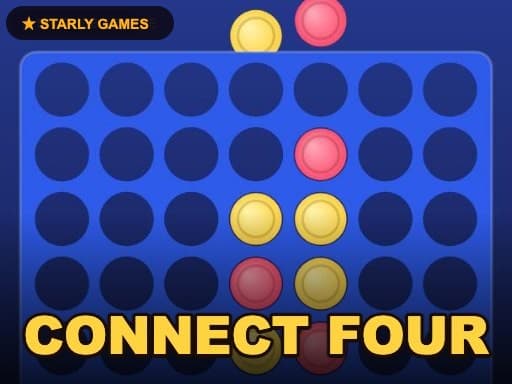


2 player games
2 player games are games you can play together with a friend, sibling or family member on the same computer or device. Share the keyboard: one player uses WASD and the other the arrow keys. Apart from an internet connection there's nothing to set up, so you can start competing right away.
What kinds of 2 player games are there?
- Sports duels: Face off in football, basketball and head soccer matches.
- Races: Race side by side on the same track and see who finishes first.
- Fighting and action: Stickman battles and arena duels.
- Co-op games: Solve puzzles together and help each other through levels.
- Board and party games: Ludo, chess and fun party mini games.
Tips
Check the controls together before you start; most games show the keys on the start screen. Keep score for the rematch! Some games also have a single player mode, so you can practice when your friend isn't around. All 2 player games are free and need no download.
Frequently Asked Questions
What are the most popular 2 player games?
The most played 2 player games on our site are Air Hockey, Checkers, Connect Four, Pong Duel and Dots and Boxes.
Are these 2 player games free?
Yes. All 5 games here are free to play, with no download, installation or sign-up needed. Click a game and play right in your browser. Create an account to save favorites and earn HitGems as you play.
Can I play 2 player games on my phone?
5 of the 5 games work smoothly on phones and tablets. Mobile-friendly games support touch controls, so you can play in your Android or iPhone browser without installing an app.
Which 2 player games were added recently?
The latest additions are Pong Duel, Dots and Boxes and Connect Four. See all new games
How do two people play on one keyboard?
Usually one player uses WASD and the other the arrow keys; the controls are shown on the start screen.